AFL Platform Password Resets
Licensed API/Odyssey users can follow the below process to reset your AFL Platform password. You do not need to contact Champion Data support to reset your password.
Swagger Page
- Visit the Swagger page via https://api.afl.championdata.io/swagger/index.html.
- Click on the Authorize button.
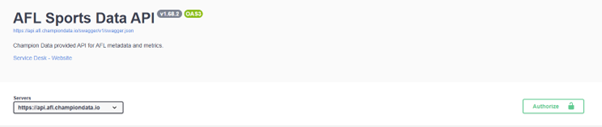
- When the new window appears, click Authorize again in the 0auth2 section.
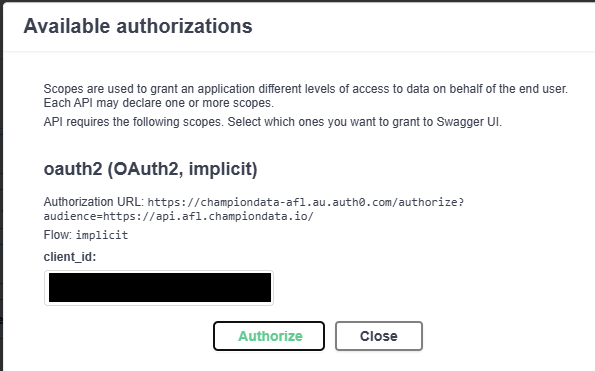
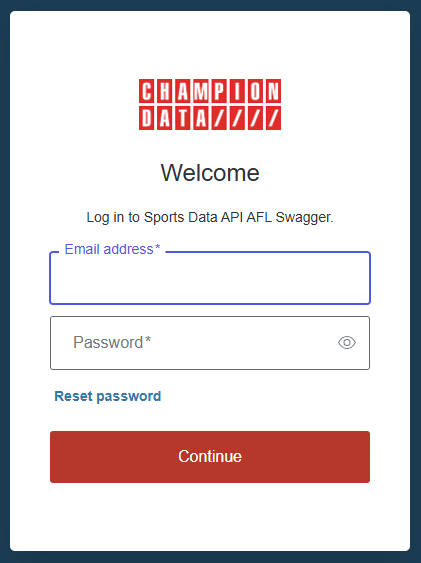
- The Swagger authorization page will load, where you can select Reset Password and enter your email to reset.
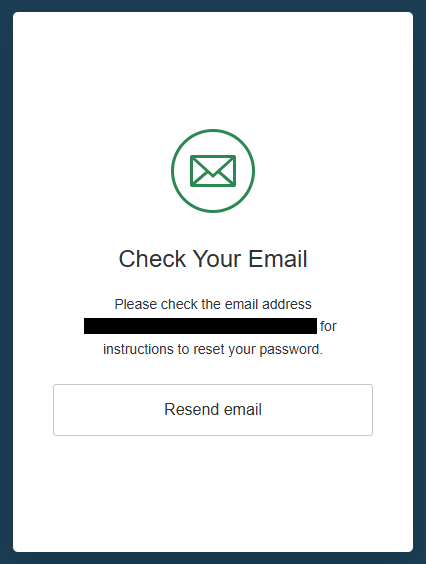
- Click on the link sent to your email and follow the prompts to reset your password.
Odyssey Users
Both Odyssey and the Sport Data API use auth0 for authentication, so licensed Odyssey users can reset their password via the Odyssey login page.
- Go to https://afl.odyssey.championdata.com
- Click on Reset Password
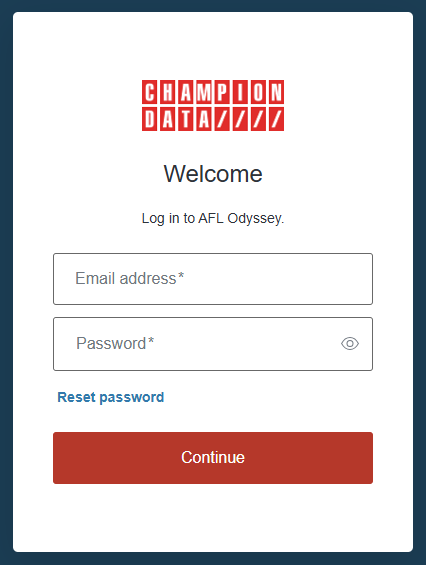
- Enter your email address to request a password reset.
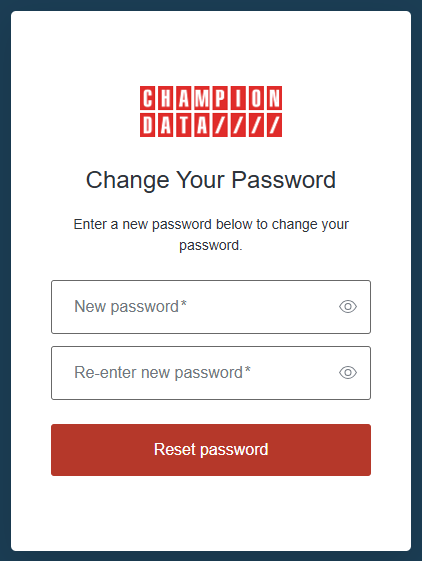
note
If you use the same email address for both the AFL API and Odyssey, then changing the password in one of them changes it for both of them.