How It Works: Match Statistics Validation
Starting with v1.73, the AFL API returns a new validation array on the Match
Statistics endpoint responses. This is designed to provide greater flexibility with your stats queries, making them easier to reuse between competitions and giving you an explanation why certain metrics aren't returned.
The addition of the validation array is a non-breaking change. Your existing integrations will continue to function exactly as they do today. We encourage you to test this feature in our Sandbox environment if you have any concerns prior to its production release.
Overview
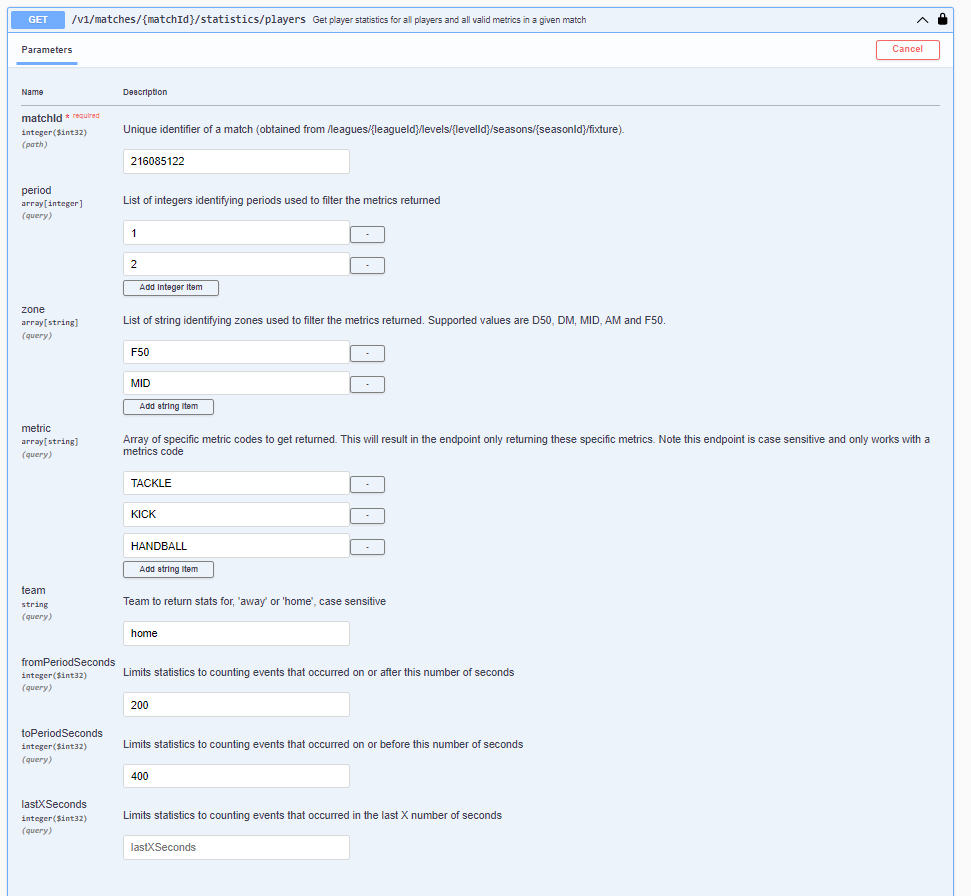
When fetching match statistics, there are scenarios where specific requested metrics are currently not applicable for a given match. Previously, these requests would be rejected entirely based on a single metric - frustrating if 99/100 are supported. This also made reusing queries between different competitions impractical as they needed to support the same metrics.
The new validation object explicitly outlines these issues. This object is returned on the following GET and POST endpoints:
/v1/matches/matchId/statistics/players/v1/matches/matchId/statistics/squads
Validation Object Structure
The validation property is an array of ValidationDetails objects. Each object provides
structured context about the specific validation warning or error.
| Property | Type | Description |
|---|---|---|
context | String | The domain in which the error occurred (e.g. Match, Player, Metric) |
reason | String | The specific reason for the error or warning (e.g. MetricNotValidForMatch) |
code | String | A machine-readable error code formatted for lookup or programmatic handling (e.g. Match_MetricNotValidForMatch) |
details | String | A human-readable explanation providing additional details about the validation failure |
metricCode | String | The specific metric code causing the issue (populated if the context is Metric-related) |
Available Error Types
To retrieve all possible validation error types that can be returned by the API, you can query our new metadata endpoint:
- GET
/v1/metadata/validationerrortypes
Example Response Payload
Below is an example of a JSON response containing the new validation array. In this scenario, the caller has requested PLAYER_RATING for a match where it is not available (a VFL match), while the standard KICK metric resolves successfully.
{
    "squads": [
        {
            "players": [
				{
					"statistics":[
						{
							"valueDisplay":"6",
							"value":6,
							"id":56,
							"code":"KICK",
							"name":"Kick",
							"namePlural":"Kicks"
						}
					],
					"jumperNumber":41,
					"displayName":"Z.Walker",
					"fullname":"Zac Walker",
					"personId":1041619
				}
            ],
			"code":"FTS",
			"id":7306,
			"name":"Footscray Bulldogs"
        }
    ],
    "validation": [
        {
            "context": "Match",
            "reason": "MetricNotValidForMatch",
            "code": "Match_MetricNotValidForMatch",
            "details": "'PLAYER_RATING' is not valid for this match.",
            "metricCode": "PLAYER_RATING"
        }
    ],
    "matchId": 183271681
}
Testing in the Sandbox
We invite you to test these changes in the AFL API Sandbox environment.
- Sandbox URL:
https://api.afl-sandbox.championdata.io
If you have any questions or require support regarding the new validation object, please contact the Champion Data Service Desk.